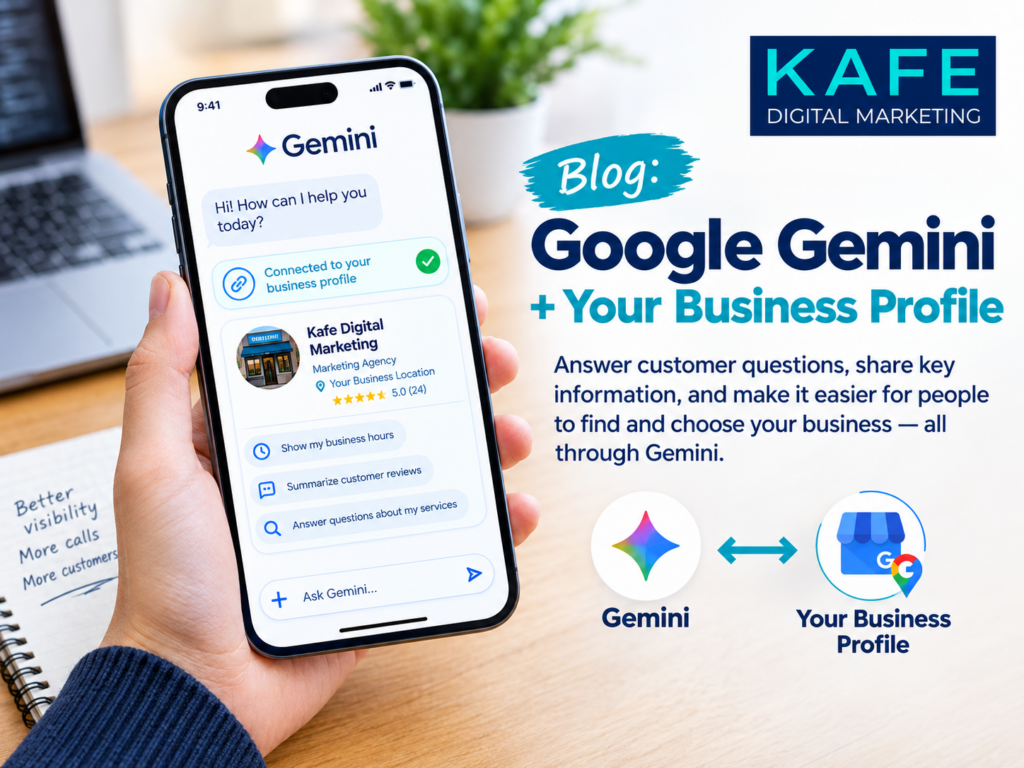
Google quietly gave small business owners a new assistant this year.
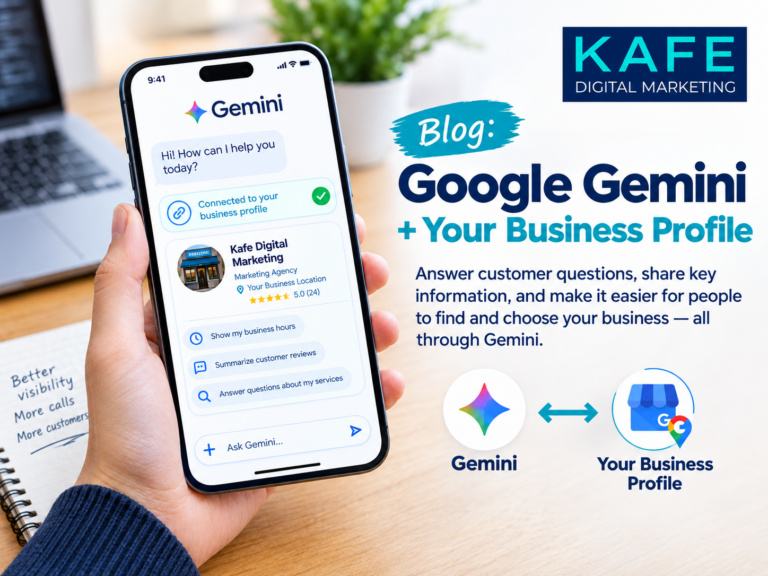
In June 2026, Google announced that you can connect your Google Business Profile to the Gemini app with a single tap. Once connected, Gemini can see your customer reviews, customer questions, and performance data. You can ask it questions about your business in plain English, and it answers using your actual numbers.
It’s a genuinely useful tool. It’s also a tool that needs a human in charge. Here’s what it does well, what to watch for, and how to set it up.
What Gemini can do with your profile
Once your profile is connected, you can ask Gemini things like:
- “How did my business do this month?” It summarizes your search impressions, direction requests, calls, and customer engagement.
- “Help me respond to my latest review.” It drafts a reply in your brand’s voice, referencing what the customer actually said.
- “Update my hours for the holidays.” It can make profile updates and post seasonal updates.
- “What’s missing from my profile?” It can point out gaps, like an unanswered customer question or holiday hours you haven’t set.
Google also introduced Business notebooks: a workspace inside Gemini where you can keep your chats, files, your Business Profile, and your website together. Notebooks can show proactive alerts and suggestions when you open them.
For a busy owner, that’s real time saved. Instead of digging through the Business Profile dashboard, you ask a question and get an answer.
Who can use it
Google said the profile connection and Business notebooks would roll out globally, except in the European Economic Area and the UK. If you don’t see the option yet in your Gemini app, it may still be reaching your account.
What to watch for
On the other hand, an assistant that can change your public profile deserves some ground rules. My rule for every client is simple: AI drafts, a human approves.
Here’s what that looks like in practice:
- Read every review reply before it posts. AI can misread tone, miss sarcasm, or promise something you don’t offer. A reply is public and permanent.
- Double-check hours and details. If Gemini updates your hours, look at your live profile afterward to confirm they’re right. Wrong hours now get repeated by AI search to every customer who asks.
- Keep your voice. AI-drafted replies can start to sound the same. Edit them so they sound like you: add a name, a detail, a little warmth.
- Check the numbers against your dashboard. Summaries are helpful, but if something looks surprising, confirm it in your Business Profile performance report before making a decision.
- Know who has access. Anyone with access to the Gemini account connected to your profile can ask about your business. Keep it to the right people.
How to set it up in 3 steps
This is a simple step. Google described it as a one-tap connection.
- Open the Gemini app while signed in to the Google account that manages your Business Profile.
- Look for the option to connect your Google Business Profile and follow the prompts to approve the connection.
- Start with a test question: “How did my business do last month?” Compare the answer with your Business Profile performance report so you know how it summarizes your data.
The exact screens may differ by device and may change as Google updates the app.
Where Gemini stops
Look at it this way: Gemini is excellent at maintenance. It helps you keep a profile tidy, current, and responsive.
What it doesn’t do is build your local strategy. It won’t tell you that your primary category is holding you back, that your website and profile list different phone numbers, or that a competitor is winning because their services list is three times longer. It answers the questions you ask. Knowing which questions to ask is still the hard part.
How KAFE Local uses tools like this
At KAFE, we welcome tools like Gemini. They make routine work faster, which leaves more time for the work that actually moves your visibility: categories, services, photos, review strategy, and making sure your website and profile tell the same story.
We use AI to draft and a person to approve. Every reply, every change.
If you’d like help setting up the Gemini connection, or want someone to manage your profile so you don’t have to,
We’ll make sure the tools work for you, not the other way around.
The bottom line: let AI do the busywork. Keep your judgment in charge.
Source:
Google: Save time and grow your business with new Gemini tools