Your website has a new reader.
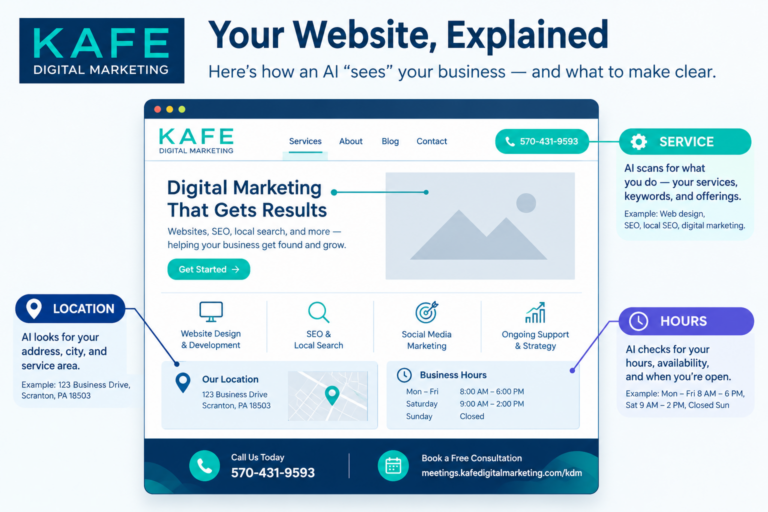
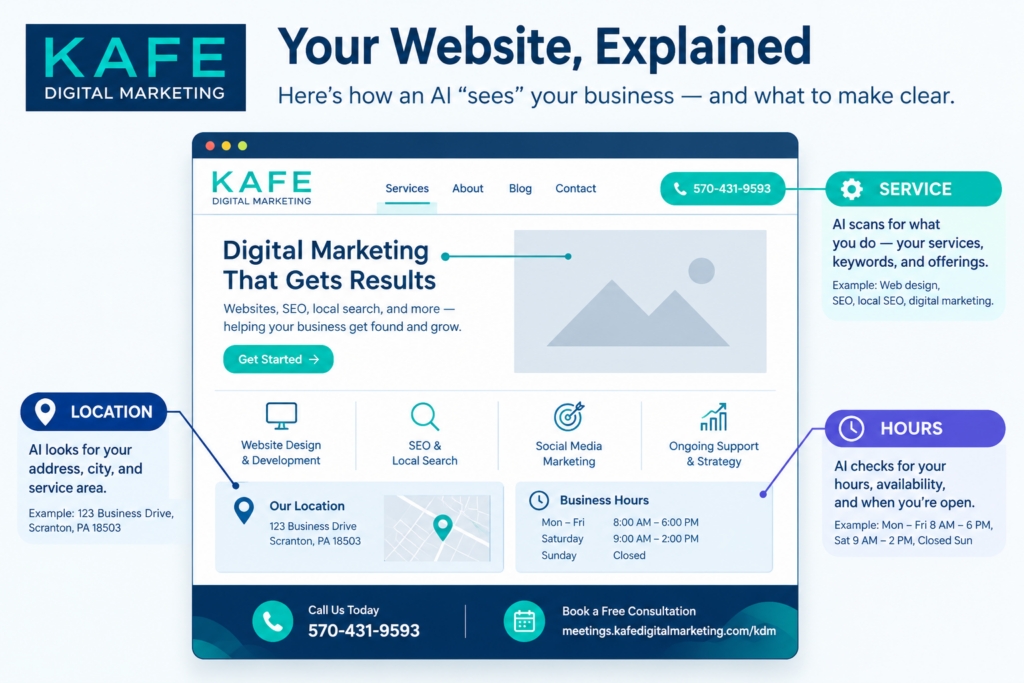
It doesn’t admire your color palette or your hero photo. It doesn’t scroll slowly or click your menu. It reads your pages quickly, looking for clear answers: What do you do? Where? For whom? When are you open? How much does it cost?
That reader is AI. And when Google’s AI Overviews, AI Mode, or another assistant answers a customer’s question, your website is one of the places it looks.
The good news: you don’t need to rebuild your site. A few structural fixes make it much easier for AI to understand you and quote you correctly. Here’s the checklist, in plain English.
How AI reads a website differently
A person visiting your site can figure things out. They see a photo of a salon and know you do hair. They notice the phone number in the corner.
AI needs it spelled out. It reads text, headings, and the structure of your pages. If your services are only shown in images, or your hours are buried in a footer graphic, AI may miss them entirely.
Look at it this way: write for people, organize for machines.
1. Match your business details everywhere
Your business name, address, phone number, and hours should be exactly the same on your website, your Google Business Profile, Facebook, Yelp, and every directory listing.
Not “close.” Exactly. “Suite 200” on one and “Ste. 200” on another is fine; a different phone number is not. When details conflict, AI isn’t sure which one to trust, and it may skip you or show the wrong one.
This is a simple step. Search your business name, open the top ten results that list your details, and fix anything that doesn’t match.
2. Give each core service its own page
One “Services” page with a bulleted list doesn’t give AI much to work with.
Instead, give each main service its own page (or at least its own clear section) with:
- A heading that names the service plainly (“Kitchen Remodeling,” not “Transform Your Space”)
- Who it’s for
- What’s included
- Where you offer it
- What it typically costs, or what affects the price
When someone asks AI a specific question, a specific page is far more likely to match.
3. Use clear headings
Headings are signposts. AI uses them to understand what each part of a page is about.
Use one main heading per page that says what the page is. Then use smaller headings for each topic. Avoid clever headings that hide the meaning. “Our Process” is better than “The Magic Happens Here.”
4. Answer real questions in plain sentences
Think about the questions customers ask you on the phone. “Do you offer payment plans?” “How long does a website take to build?” “Do you work with nonprofits?”
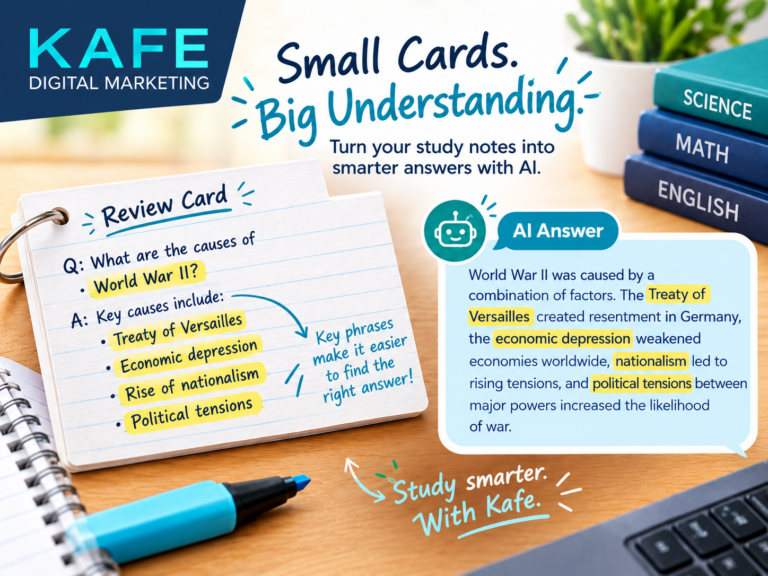
Answer them on your website, in full sentences, in a Frequently Asked Questions section. AI loves a clear question followed by a direct answer. It’s exactly the format it’s trying to produce.
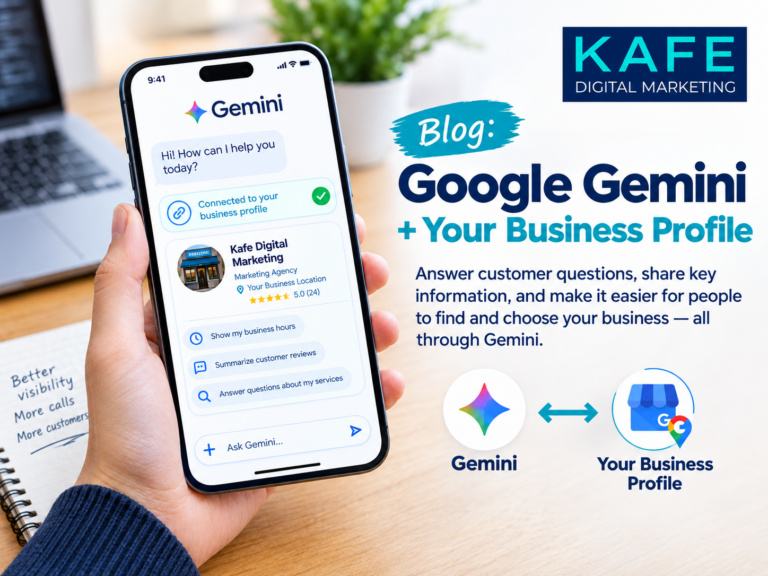
This matters even more now that Google uses AI to answer questions on some Business Profiles, drawing on your website for the answers.
5. Add structured data (schema)
Structured data, often called schema, is a small piece of code that labels the information on your pages for machines: “this is the business name,” “this is the address,” “these are the opening hours,” “this is a FAQ.”
Your visitors never see it. Search engines and AI do.
If your site runs on WordPress, plugins like Yoast or Rank Math can add basic business and FAQ schema without any coding. Elementor’s FAQ and accordion widgets can also output FAQ schema. If that sounds technical, it’s one of the first things a web developer can set up for you.
6. Don’t forget the basics
On the other hand, AI search didn’t make the old rules disappear.
- Speed. Slow sites frustrate people and machines alike.
- Mobile-friendly design. Most local searches happen on phones.
- Accessibility. Descriptive image text (alt text), readable fonts, and good contrast help everyone, including AI.
- Freshness. Update pages when your services, prices, or team change. A blog that’s active shows you’re still in business.
Your 10-point checklist
- Name, address, phone, and hours match everywhere
- Each core service has its own page or section
- Service headings say what the service is
- Each page has one clear main heading
- An FAQ section answers at least five real customer questions
- Important information is written as text, not only in images
- Basic business schema is installed
- FAQ schema is turned on where you have FAQs
- The site loads quickly and works well on a phone
- Images have descriptive alt text
The bottom line
AI search rewards clarity. The websites that get quoted are the ones that state plainly what the business does, for whom, where, and how. That’s good news, because clarity also helps every human visitor.
Want us to run this checklist on your site? Website design and development is one of KAFE’s three core services, and every site we build is organized for AI search from day one. Book a call and we’ll take a look.
Your website doesn’t need to be fancy. It needs to be clear.