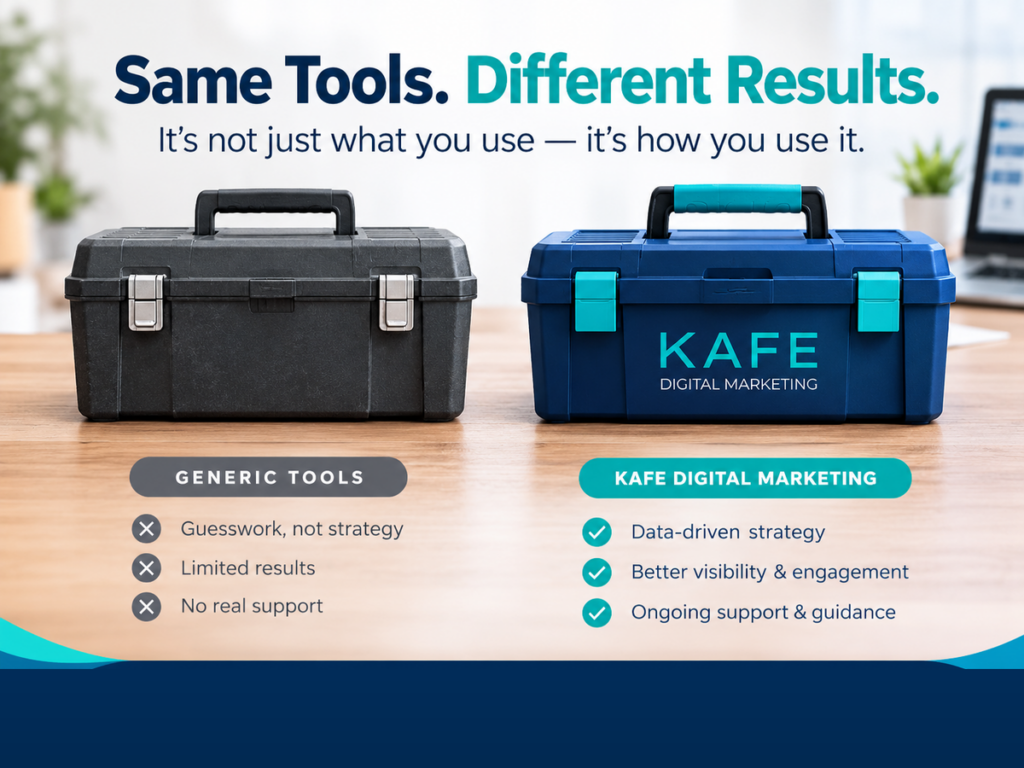
“Should I build a custom AI tool for my business?”
I hear this question a lot. Usually right after someone has seen a slick demo, or a competitor has launched a chatbot.
Here’s my honest answer: usually, not yet.
Most small businesses and nonprofits get real value from the AI tools that already exist. Custom AI is powerful, but it only pays off in the right situation. This article will help you tell the difference, so you spend your money where it actually makes a difference.
First, what do we mean?
Off-the-shelf AI is a general tool you use as-is: ChatGPT, Claude, Gemini, Microsoft Copilot. You open it, type a request, and get a result. It knows a lot about the world, but nothing about your business unless you tell it, every time.
Custom AI is set up specifically for you. It’s given your own documents (price lists, policies, sales scripts, FAQs), instructions on how to behave, and often a connection to your other systems, like your website, email, or spreadsheet. It knows your business before anyone types a word.
There’s a middle ground too. Most major AI tools now let you create a saved assistant with your own instructions and files: custom GPTs in ChatGPT, Projects in Claude, Gems in Gemini. For many businesses, this is the sweet spot.
When off-the-shelf is enough
Start here. Off-the-shelf tools handle a lot of everyday work well:
- Drafting emails, social posts, and newsletters
- Brainstorming ideas, names, or event themes
- Summarizing long documents or meeting notes
- Rewriting something to sound clearer or friendlier
- Answering general how-to questions
If your use is occasional and a person checks every result before it goes anywhere, you don’t need anything custom. A $20-a-month subscription and some good habits will take you far.
Three signs you’ve outgrown it
On the other hand, there’s a point where general tools start costing you time instead of saving it. Watch for these three signs.
1. You re-explain your business every single time. You paste in the same background, the same pricing, the same “here’s how we talk to customers” instructions, over and over. That’s a sign the AI should already know.
2. Results change depending on who’s using it. One staff member gets great answers. Another gets something off-brand or wrong. Without shared instructions, everyone is running their own experiment.
3. The task touches your leads or customers. When AI answers website visitors, sorts new inquiries, or drafts proposals, mistakes get expensive. A wrong price or a missed lead isn’t a typo you catch later. It’s lost business.
If one of these sounds familiar, try a saved assistant first. If two or three do, it’s time to talk about custom.
A real example: our own chatbot
At KAFE, we hit all three signs ourselves.
Website visitors had very different needs. Some wanted a new website, some wanted local SEO help, some wanted to explore AI. A generic chatbot couldn’t tell them apart or explain our services the way we would.
So we built a custom lead-vetting chatbot. It’s trained on our own sales scripts, our objection-handling guides, and our partner program materials. It asks a few questions to understand what each visitor needs, logs every lead to a spreadsheet automatically, and offers a 12-question AI Business Audit with a scored result sent by email.
No off-the-shelf tool could do that out of the box. But notice: we built it because the task touched every single lead. That’s what made it worth it.
What custom AI really costs
Look at it this way: custom AI is less like buying software and more like hiring and training a new team member.
- Money: setup costs vary widely, from a simple saved assistant you build yourself to a fully integrated tool built by a consultant or developer.
- Time: someone has to gather your documents, write the instructions, and test the results. Plan for a few rounds of tweaking.
- Upkeep: when your prices, services, or policies change, the AI needs updating too. Someone has to own that.
The bottom line: buy before you build, and build only what you’ll actually use and maintain.
A simple decision guide
| The task | How often | Risk if wrong | Start with |
|---|---|---|---|
| Drafting posts and emails | Weekly | Low (you review it) | Off-the-shelf |
| Answering internal how-to questions | Daily | Low to medium | Saved assistant with your SOPs |
| Drafting proposals from your pricing | Weekly | Medium | Saved assistant, then custom |
| Answering website visitors | Constant | High | Custom, with guardrails |
| Sorting and logging new leads | Constant | High | Custom, connected to your systems |
How a consultant helps you avoid overbuilding
The most expensive AI mistake I see isn’t choosing the wrong tool. It’s building before understanding the problem.
A good AI consultant starts by asking where your time actually goes, which tasks touch your customers, and what you already pay for. Then they recommend the smallest thing that solves the real problem.
Sometimes that’s a custom build. Often it’s a well-written saved assistant and an hour of team training.
As a certified AI consultant, that’s how I work with every client: assess first, then build only what earns its keep.
If you’re wondering whether your business is ready for custom AI, book a call. We’ll look at your tasks together and give you a straight answer, even if that answer is “not yet.”
You don’t need the fanciest AI. You need the right one.