Automation isn't all-or-nothing. You don't need a $10,000 tech stack to feel relief.
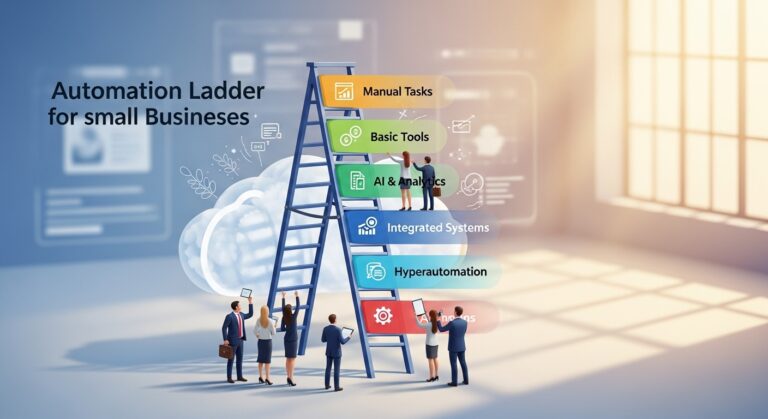
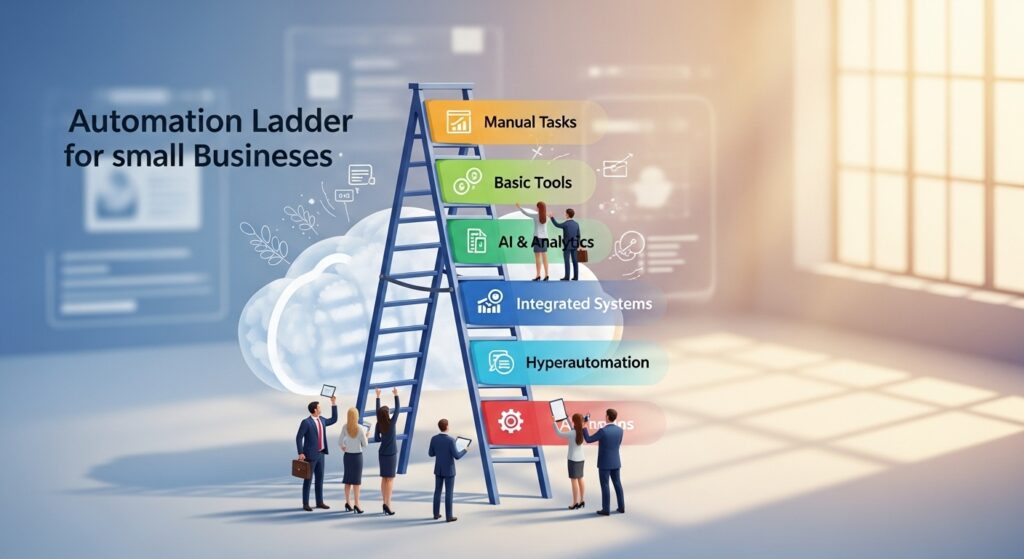
What you need is an automation ladder—a step-by-step path that starts simple and scales with your capacity.
Here's how to climb it without overwhelm.
Rung 1: Text-Based Automation (Free or $0-10/month)
Start with tools you already have.
Canned email responses (Gmail, Outlook)
Save replies to common questions:
- “What are your rates?”
- “Do you have availability?”
- “Can you send me more info?”
One-click responses = instant time savings.
Contact form auto-replies
When someone fills out your form, they immediately get:
“Thanks for reaching out! I'll respond within 2 business days. Here's a link to learn more: [your site].”
Why it matters: It stops the “I need to reply right now” mental loop.
Rung 2: Calendar + Booking Automation ($0-15/month)
Stop the “when are you free?” back-and-forth.
Tools: Calendly, Google Calendar appointment slots, Acuity
How it works:
- Set your available times
- Send clients a booking link
- They choose a time
- Calendar invite auto-sends
Bonus: Many tools send automatic reminders (so you don't have to remember).
Rung 3: Payment + Invoice Automation ($15-30/month)
Chasing invoices drains energy and delays cash flow.
Tools: QuickBooks, FreshBooks, Wave (free), Stripe invoicing
What to automate:
- Recurring invoices (for ongoing clients)
- Payment reminders (3, 7, 14 days overdue)
- “Payment received” thank-you emails
Real impact: One KAFE client automated invoice reminders and cut overdue payments by 60%.
Rung 4: Review + Reputation Automation ($20-50/month)
Social proof matters—but remembering to ask for reviews doesn't happen consistently.
Tools: Podium, Birdeye, or simple Zapier workflows
What to automate:
- Review request email after project completion
- Follow-up reminder 7 days later
- Thank-you message when review is received
Example workflow:
- Project marked “complete” in your CRM
- Review request auto-sends with direct link to your Google Business Profile
- Follow-up triggers if no response in 1 week
Rung 5: Content + Social Scheduling ($10-30/month)
If posting feels like a daily emergency, schedule it once and forget it.
Tools: Buffer, Later, Meta Business Suite (free for Facebook/Instagram)
How to use it:
- Create or repurpose content once
- Load it into scheduler
- Set dates and times
- Walk away
This isn't “set it and forget it forever”—but it eliminates daily decision fatigue.
Rung 6: Client Onboarding Sequences ($30-100/month)
When a new client signs on, they automatically receive:
- Welcome email
- Contract and intake form
- Project kickoff guide
- “What to expect” timeline
Tools: Dubsado, HoneyBook, 17hats, or even a simple email automation in your CRM
Why it matters: You deliver a consistent, professional experience—even on 30% energy days.
The Automation Ladder Philosophy
You don't climb all six rungs at once. You:
- Start at Rung 1
- Use it until it feels easy
- Add Rung 2 when you're ready
- Build slowly over 6-12 months
For neurodivergent entrepreneurs, this gradual build prevents overwhelm and creates sustainable relief.